
Now it’s time to add a React frontend into my Maven/Kotlin/Spring project. I’ve found that trying to blend the React code under the standard Maven structure as something like /src/main/frontend to be rather problematic. So I’m going to embed the React source within a /frontend directory directly under the project’s root directory.
React Init
First, I open a terminal prompt in the project’s root directory and use the npx tool to create the React project.
~/IdeaProjects/job-costing> npx create-react-app frontend
npx: installed 99 in 13.421s

Creating a new React app in ~/IdeaProjects/job-costing/frontend.

Installing packages. This might take a couple of minutes.
Installing react, react-dom, and react-scripts with cra-template...

/* A whole bunch of stuff */

We suggest that you begin by typing:

  cd frontend
  npm start

Happy hacking!
~/IdeaProjects/job-costing>
Let’s start it up and make sure the basics work.
Compiled successfully!

You can now view frontend in the browser.

  Local:            http://localhost:3000
  On Your Network:  http://192.168.162.203:3000

Note that the development build is not optimized.
To create a production build, use npm run build.
And how does it look in the browser? Everything looks good.
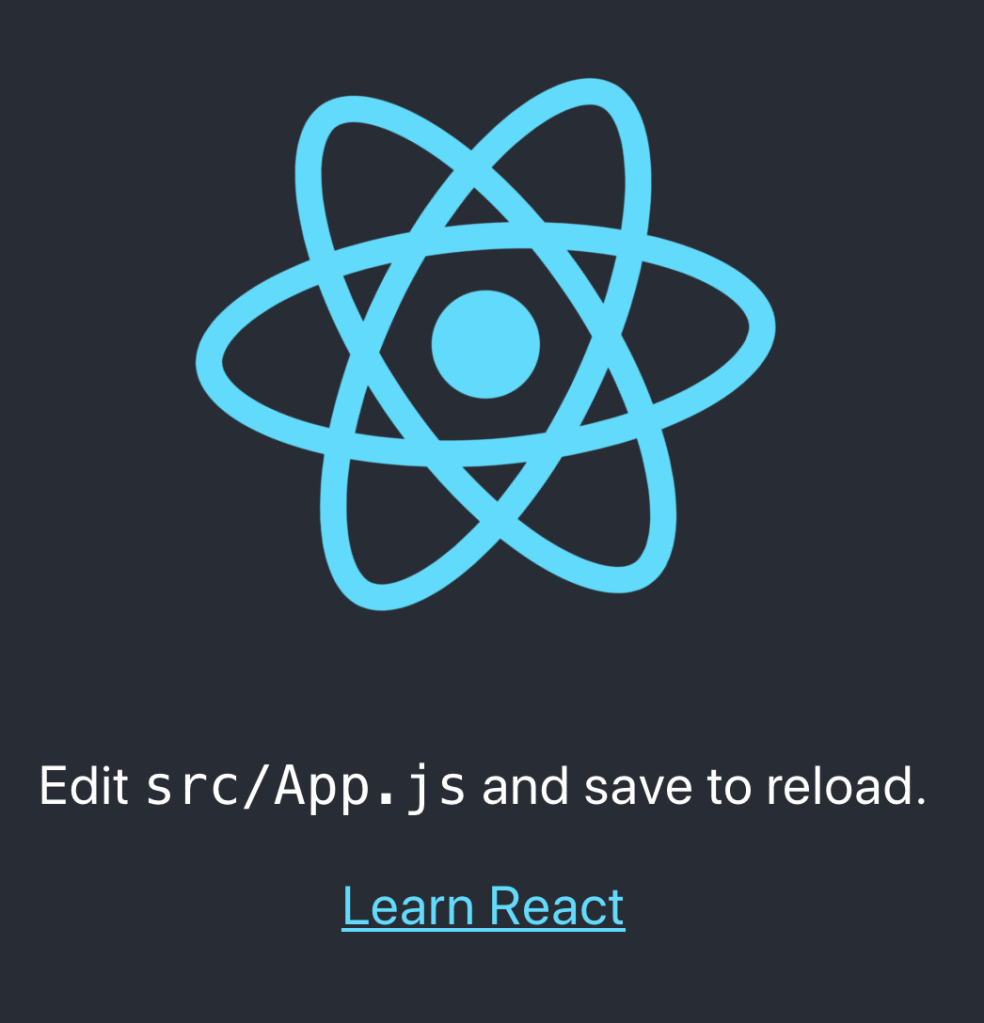
Okay, that’s a good place to commit my changes and make sure that I’ve added all the untracked source files into the repo.
~/IdeaProjects/job-costing> git status
On branch master
Your branch is up to date with 'origin/master'.

Changes to be committed:
  (use "git reset HEAD <file>..." to unstage)

	new file:   frontend/.gitignore
	new file:   frontend/README.md
	new file:   frontend/package-lock.json
	new file:   frontend/package.json
	new file:   frontend/public/favicon.ico
	new file:   frontend/public/index.html
	new file:   frontend/public/logo192.png
	new file:   frontend/public/logo512.png
	new file:   frontend/public/manifest.json
	new file:   frontend/public/robots.txt
	new file:   frontend/src/App.css
	new file:   frontend/src/App.js
	new file:   frontend/src/App.test.js
	new file:   frontend/src/index.css
	new file:   frontend/src/index.js
	new file:   frontend/src/logo.svg
	new file:   frontend/src/serviceWorker.js
	new file:   frontend/src/setupTests.js
Adding a Proxy
The next step is to be able to call the REST service from the React frontend. If I try to do this as it stands now, then I receive an error because it is a cross-origin request, or CORS for short. The way to avoid this is to add a proxy in the React package.json file. In my project, this file is located under the /frontend directory. So let’s take a look at adding the line to the file.
{
  "name": "frontend",
  "version": "0.1.0",
  "private": true,
  "dependencies": {
    "@testing-library/jest-dom": "^4.2.4",
    "@testing-library/react": "^9.4.1",
    "@testing-library/user-event": "^7.2.1",
    "react": "^16.13.0",
    "react-dom": "^16.13.0",
    "react-scripts": "3.4.0"
  },
  "scripts": {
    "start": "react-scripts start",
    "build": "react-scripts build",
    "test": "react-scripts test",
    "eject": "react-scripts eject"
  },
  "eslintConfig": {
    "extends": "react-app"
  },
  "browserslist": {
    "production": [
      ">0.2%",
      "not dead",
      "not op_mini all"
    ],
    "development": [
      "last 1 chrome version",
      "last 1 firefox version",
      "last 1 safari version"
    ]
  },
  "proxy": "http://localhost:8080"
}
I’ve added the proxy definition as line 34. This will take any requests for http://localhost:3000/jobcost and forward them onto http://localhost:8080/jobcost. Now I should be able to test this out via Curl after I restart the frontend.
~/IdeaProjects/job-costing> curl http://localhost:3000/jobcost/hello
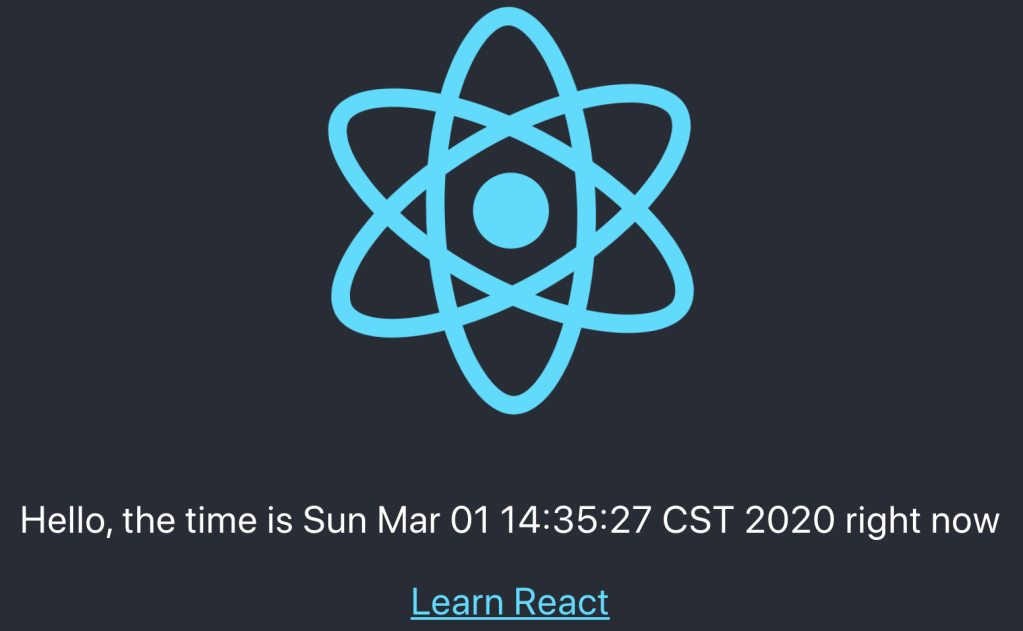
Hello, the time is Sun Mar 01 13:45:36 CST 2020 right now
I can hit the REST service by calling the frontend URL. This is pretty cool because I can now put those calls directly in the frontend without running into cross site issues.
Calling the REST Service from React
Let’s do that! I’ll edit the App.js file to add this feature. First things, I’ll change App to declare a class instead of a function, and declare its state to have a single string property called message.
class App extends Component {
  state = {
    message: "Please wait..."
  }
Next, the rest of the App() function moves to the render() function.
  render = () => {
    const message = this.state.message;

    return (
        <div className="App">
          <header className="App-header">
            <img src={logo} className="App-logo" alt="logo"/>
            <p>
              {message}
            </p>
            <a
                className="App-link"
                href="https://reactjs.org"
                target="_blank"
                rel="noopener noreferrer"
            >
              Learn React
            </a>
          </header>
        </div>
    );
  };
Lastly I need to call the service to get the text to display in the page. I’ll call the service from the componentDidMount() function like so.
  componentDidMount = () => {
    console.log("componentDidMount()");
    fetch('http://localhost:3000/jobcost/hello')
        .then((res) => res.text())
        .then((text) => {
            this.setState({message: text} );
        })
        .catch(console.log);
  };
Alright, then let’s check the browser to see how it looks.
Wrap Up
And there you have it! We’ve added a React frontend to the project, added a proxy so the React frontend can call the service, and integrated it into the basic React project page. Next, I’ll explore how to package the React frontend into the Maven project so the entire app can be deployed in a single JAR file.
 Ryan Sawatzky